Tool
Password Generator
Strong, random passwords and passphrases generated on your own device. Cryptographically secure, nothing leaves your browser, free forever.
Why a generated password beats one you invented
Human-chosen passwords are predictable in ways we cannot feel. We reach for names, dates, keyboard runs and the same three substitutions everyone else uses. Cracking software is built from exactly those habits, plus billions of real passwords already exposed in breaches. A generator has no habits — every character is drawn from your operating system's cryptographic random source.
- Generated locally with crypto.getRandomValues — never on a server
- Nothing is transmitted, logged, saved or recoverable by us
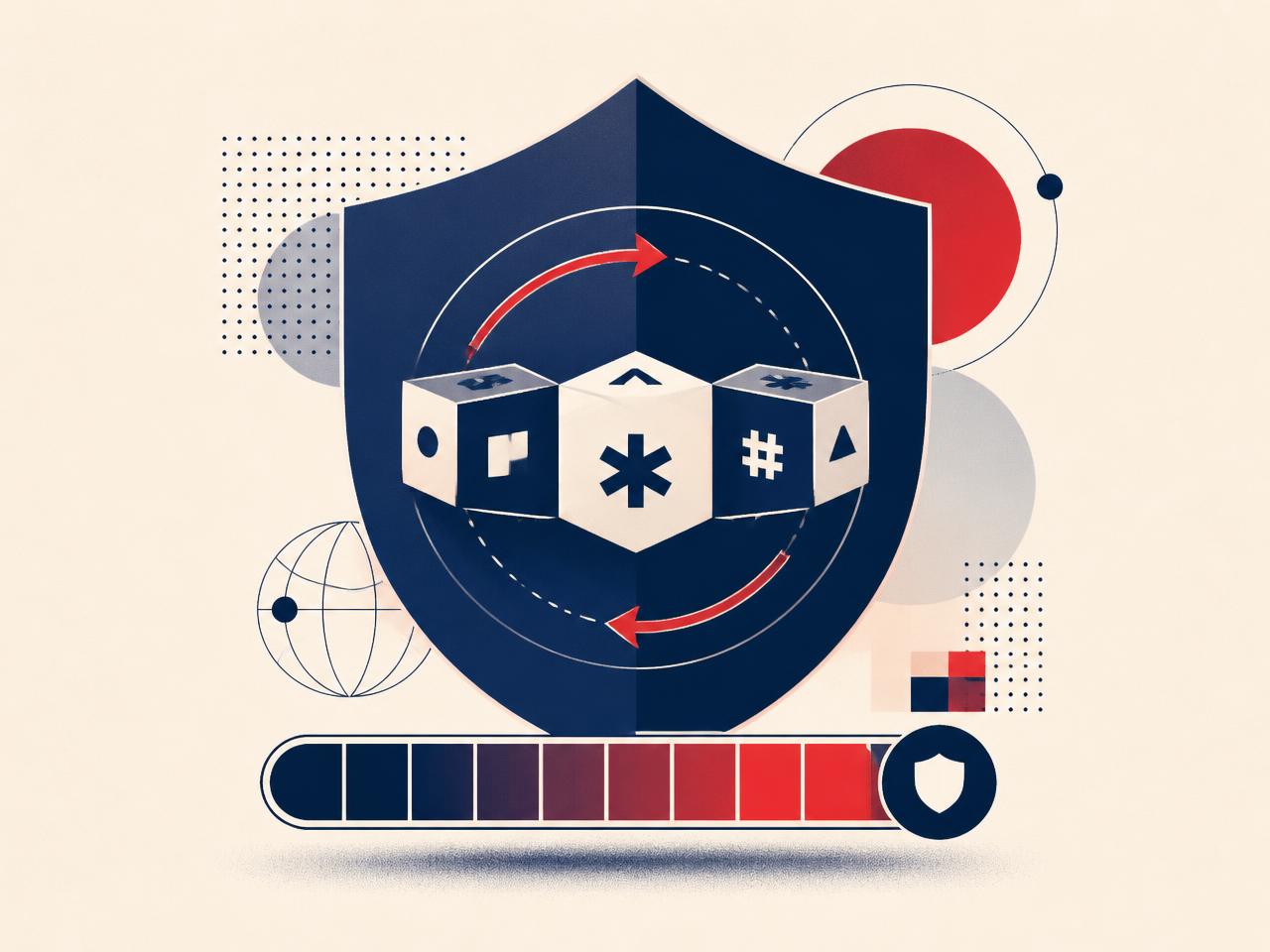
- Live entropy meter so you can see how strong the result really is
- Passphrase mode for the few secrets you must type from memory
- Works offline once the page is loaded
How to use your new password properly
A strong password only helps if it is unique and stored somewhere you trust. These five steps cover the whole job.
Use a different one everywhere
Reuse is what turns one company's breach into your problem. Every account gets its own password, no exceptions for the ones that feel unimportant.
Store it in a password manager
Any reputable manager will do. It removes the need to remember, and it refuses to autofill on a look-alike phishing domain — a quiet but powerful scam defence.
Protect your email first
Your inbox can reset almost everything else. Give it your longest passphrase and your strongest second factor before you touch any other account.
Turn on two-factor authentication
Prefer an authenticator app or a hardware key over SMS. Codes sent by text can be intercepted through SIM swapping.
Never read a code aloud
No bank, courier, marketplace buyer or support agent ever needs your one-time code. Anyone asking for one is taking over your account in real time.
Change it when there is a reason
A breach alert, a shared login, a lost device, or a page you now suspect was fake. Otherwise leave strong passwords alone.
Password generator FAQ
What makes a password strong?+
Length first, randomness second. A truly random 16-character password is far harder to crack than a clever 10-character one with substitutions like P@ssw0rd. Aim for at least 16 characters, or a passphrase of five or more random words, and never reuse it anywhere else.
Is this password generator safe to use?+
Yes. Everything happens in your browser using the operating system's cryptographic random number generator (crypto.getRandomValues). Nothing you generate is sent to a server, logged, or stored by ScamBare.
Password or passphrase — which should I pick?+
Use a random character password wherever a password manager fills it for you. Use a passphrase for the handful of secrets you have to type from memory: your device login, your password manager's master password, and your email account.
How often should I change my passwords?+
Only when there is a reason: a breach notification, a shared password, a device you lost, or a login you gave away during a phishing attempt. Forced monthly rotation makes people pick weaker, patterned passwords.
What is entropy, and how many bits do I need?+
Entropy measures how many guesses an attacker needs on average. Under 40 bits is weak, 60 to 80 bits is solid for most accounts, and 100+ bits is future-proof for your email, bank and password manager. The meter above shows the estimate live.
How does a strong password protect me from scams?+
Most account takeovers start with a password stolen in one breach and reused elsewhere, or handed over on a phishing page. Unique passwords contain the damage to a single account, and two-factor authentication stops the attacker even when the password is known.